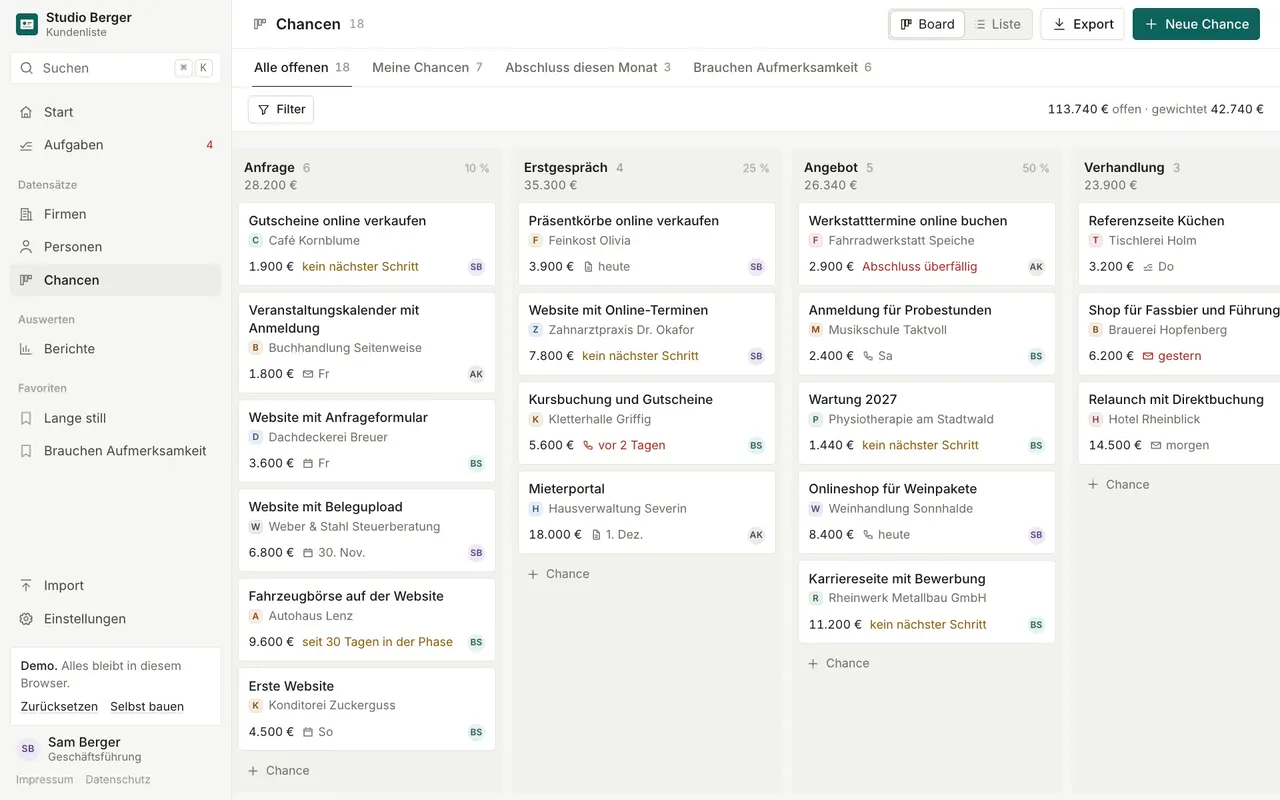
For self-employed people and sales teams
CRM
Your own CRM: companies and people with everything that was said, deals as a pipeline, tasks by due date and revenue reports.
Software
Customers, contacts, notes on every conversation, deals as a board and every morning the list of who to call. Your AI builds your own CRM, Vorren runs it securely on servers in Germany. No cost per user.
Works with Claude on any plan, with ChatGPT from Business and with other AI agents.
Examples
Built with one sentence to the AI, runs as a demo right in your browser. Your changes stay in your browser.
For self-employed people and sales teams
Your own CRM: companies and people with everything that was said, deals as a pipeline, tasks by due date and revenue reports.
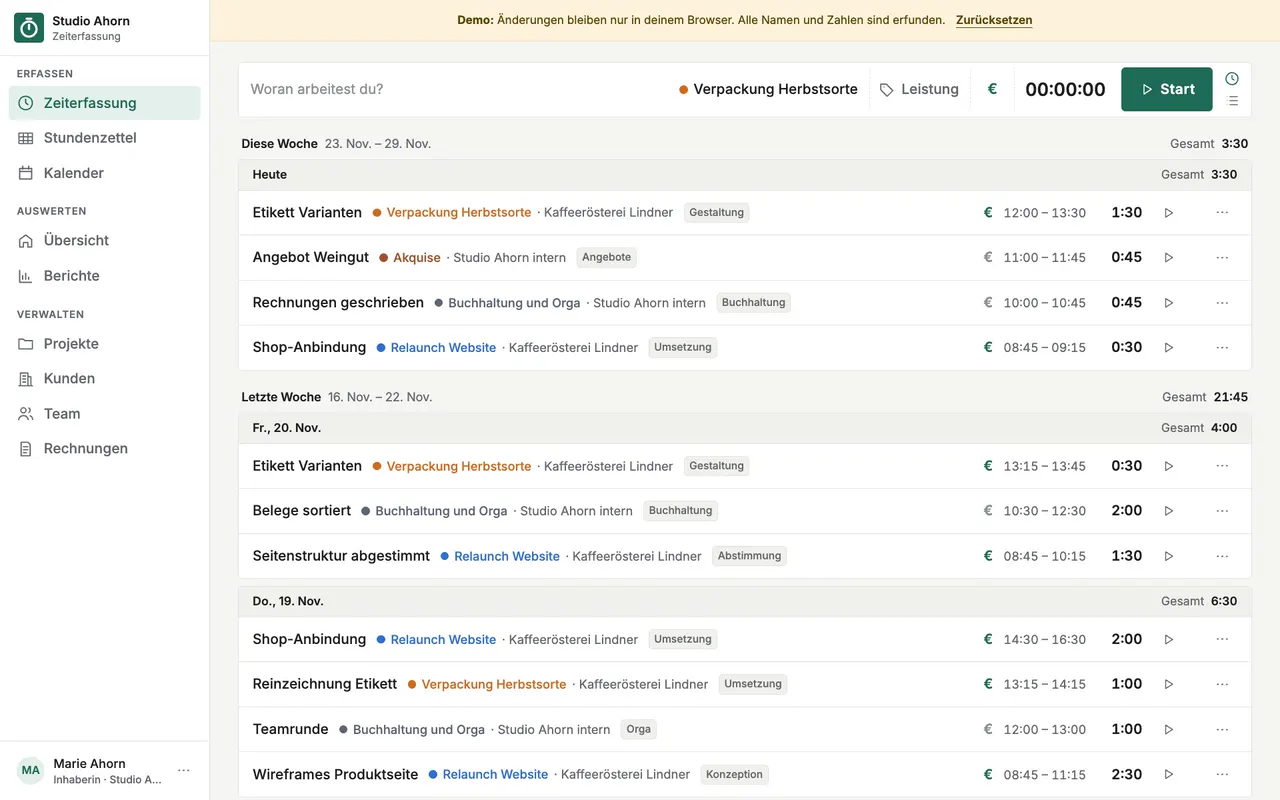
For freelancers, offices and companies
Track time with a timer, a timesheet or in the calendar, keep budgets and tasks per project in view and print the invoice from the open hours at the end of the month.
How it works
You connect your AI to Vorren once, which takes about two minutes. After that, one sentence is enough.
Tell your AI in plain sentences what you need and how it should feel.
Your AI builds following Vorren’s guidelines and uploads everything itself.
You get a preview address. You ask for changes in one sentence.
When it all fits, you say “Put it live”. Your site runs on your domain with HTTPS.
To copy
Copy it, adapt it to your plan and give it to your AI. It asks for whatever it still needs.
“Build me a CRM for my team: customers with contacts and notes on every conversation, tasks with reminders and deals as a board from inquiry to order. In the morning I want to see who I need to call today. Only people I invite get in.”
Included
Sign-in with a password and a second factor if you like. Every software project has its own database and the Vorren Guard.
A database of its own on servers in Germany; you conclude the DPA when you sign up. You can add daily or hourly backups.
Callbacks to your phone, emails from your address, quotes as PDF: Vorren’s services are already there, no extra account.
You pay per software project, not per head. Whether three or thirty people work in it, the price stays the same.
Cost
Building and trying it as a preview costs nothing. Live, your CRM costs €49 a month, plus the pack of 5 slots for €39. Together €88 a month, excl. VAT, no matter how many people use it. You only book more power or a database backup if you need it.
All prices and the calculator are on Pricing. What the dashboard shows you before every booking is binding.
FAQ
Yes. You describe to your AI what your CRM should do, it builds it, and Vorren puts it online with sign-in and a database. You ask for changes in plain sentences: “Add a field for the industry.”
If you only use part of a big CRM, pay for every head or your way of working doesn’t fit in: often yes. Your own CRM has exactly the fields and steps you need and costs per software project instead of per user.
At Vorren €88 a month live, excl. VAT, with the first pack of slots. There is no cost per user. You pay for your AI with its provider as before.
Your software runs on servers in Germany, with its own database, the Vorren Guard and daily updates. You enter passwords and keys yourself in the dashboard.
Yes. Ask your AI to build in a CSV import, like in the demo above with a check for duplicates. Then you upload your list once.
More solutions
Create an account, connect your AI, paste the prompt above. Trying it as a preview is free.
Want to read up first? Our guides show how it works.
This shows us which pages get read and where visitors come from, so we can make Vorren better.
For this we use Google Analytics with your consent. Google sets cookies and receives data about your visit, including in the USA. Without consent we load nothing from Google. You can change your choice at any time under “Cookie settings” at the bottom of the page. More in our privacy policy (German).