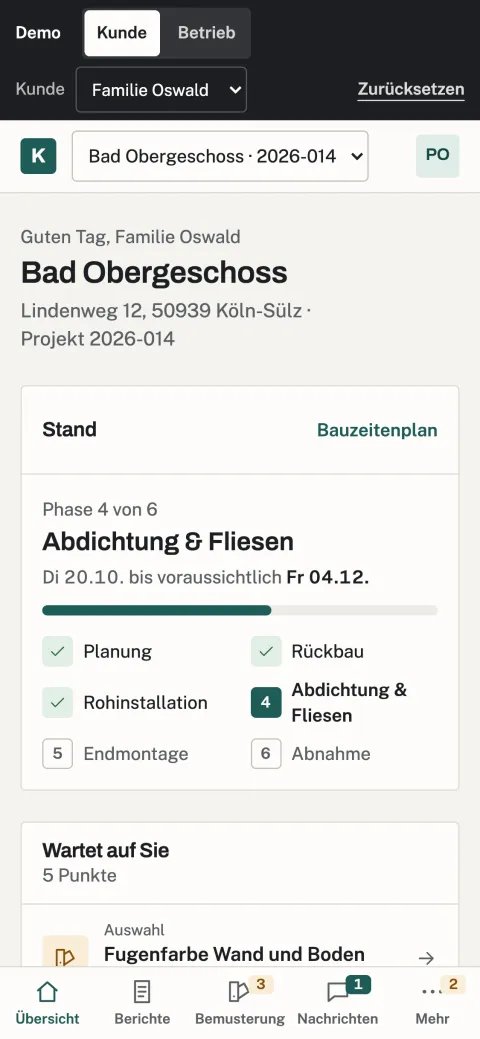
Software · Kern Innenausbau
Client portal
Like good software for building projects: clients see progress, schedule and site reports with photos, choose their finishes, approve change orders and find documents and invoices in one place.
For IT service providers and consultants
Client portal, quotes and invoices, bookings or a tool for the team: your AI builds the software for your client’s process, Vorren runs it with sign-in, database, email, files and PDFs, on servers in Germany with a data processing agreement.
What Vorren takes off your hands
Your AI turns your client’s spreadsheets and emails into software that matches their exact process.
Servers, updates and certificates for every project: at Vorren they run for you, with updates at night.
Servers in Germany, a data processing agreement, every piece of software with its own database, credentials only in the dashboard. You can show your client all of that.
What you build for clients
Examples
Our own demos with made-up brands, built through Vorren. Each comes with the prompt your AI uses to rebuild it for your client.
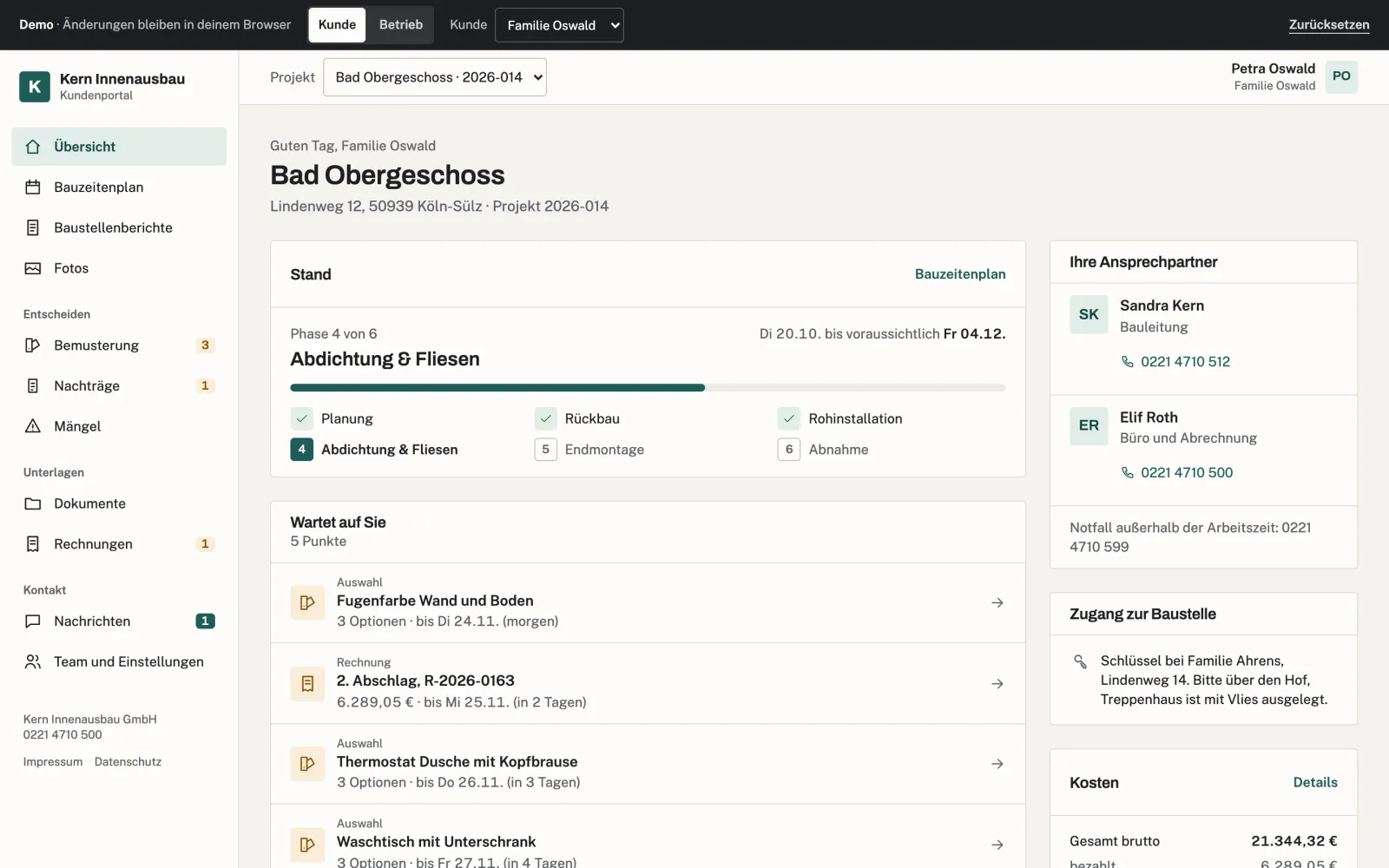
Software · Kern Innenausbau
Like good software for building projects: clients see progress, schedule and site reports with photos, choose their finishes, approve change orders and find documents and invoices in one place.
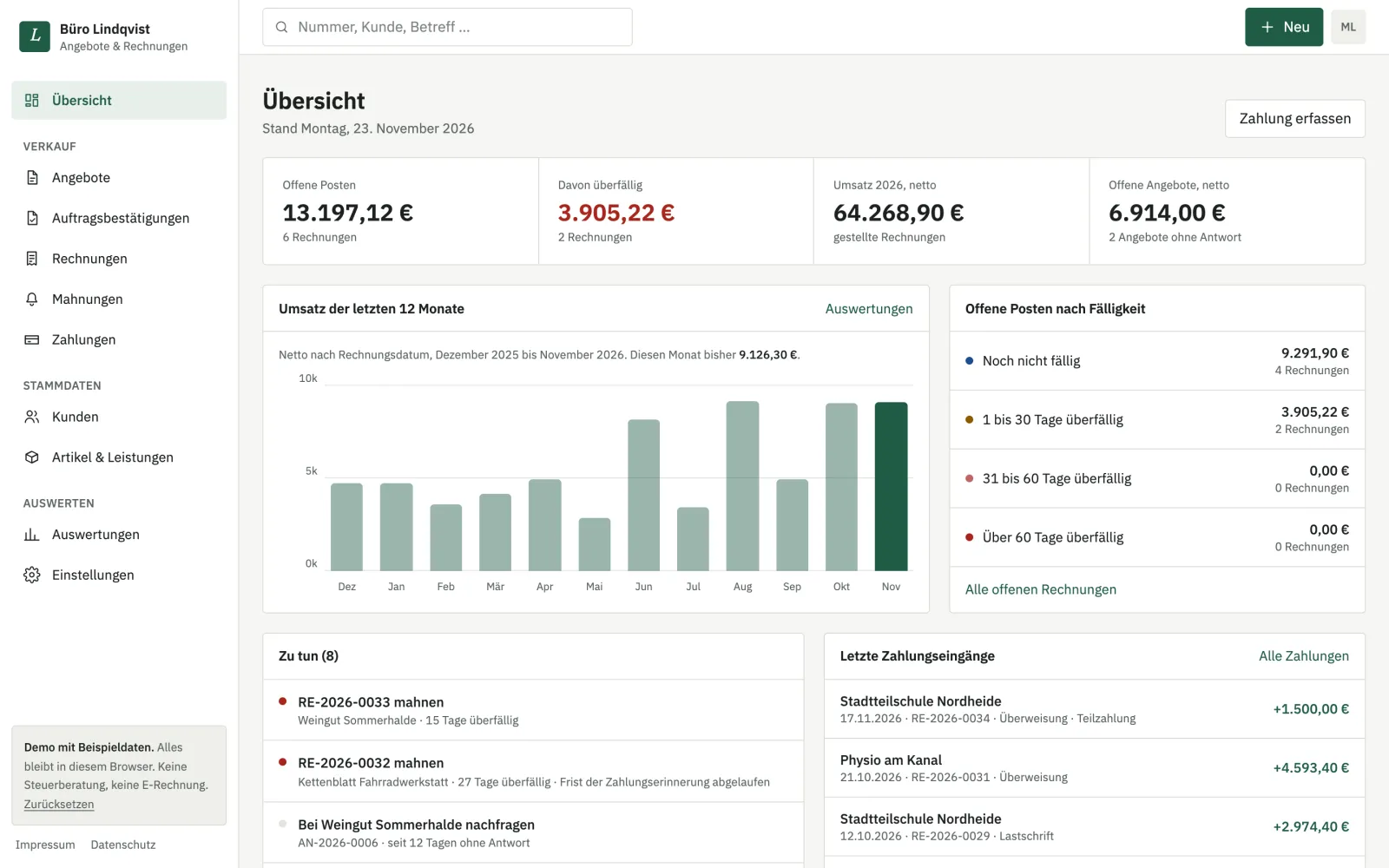
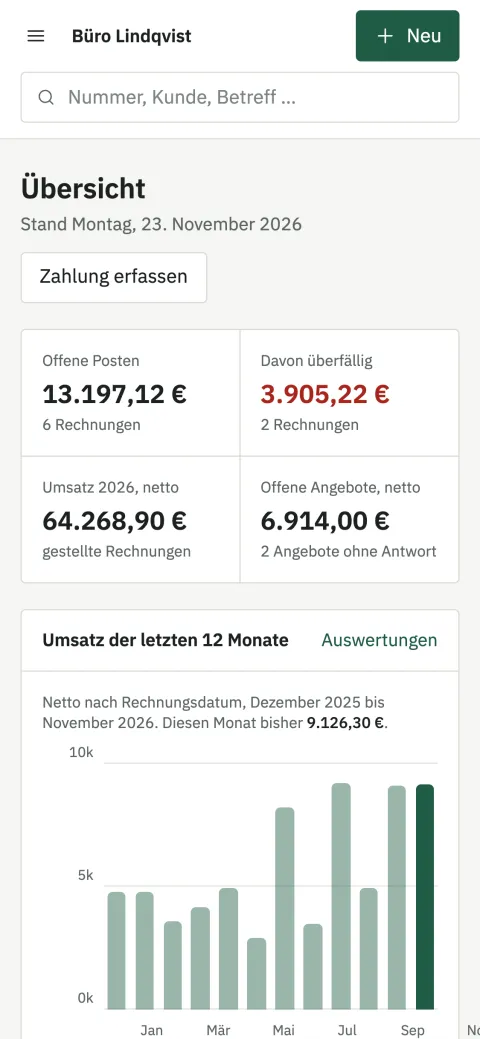
Software · Büro Lindqvist
Like a good invoicing tool: quotes, order confirmations and invoices with a letter preview, open items, payments and three levels of reminders.
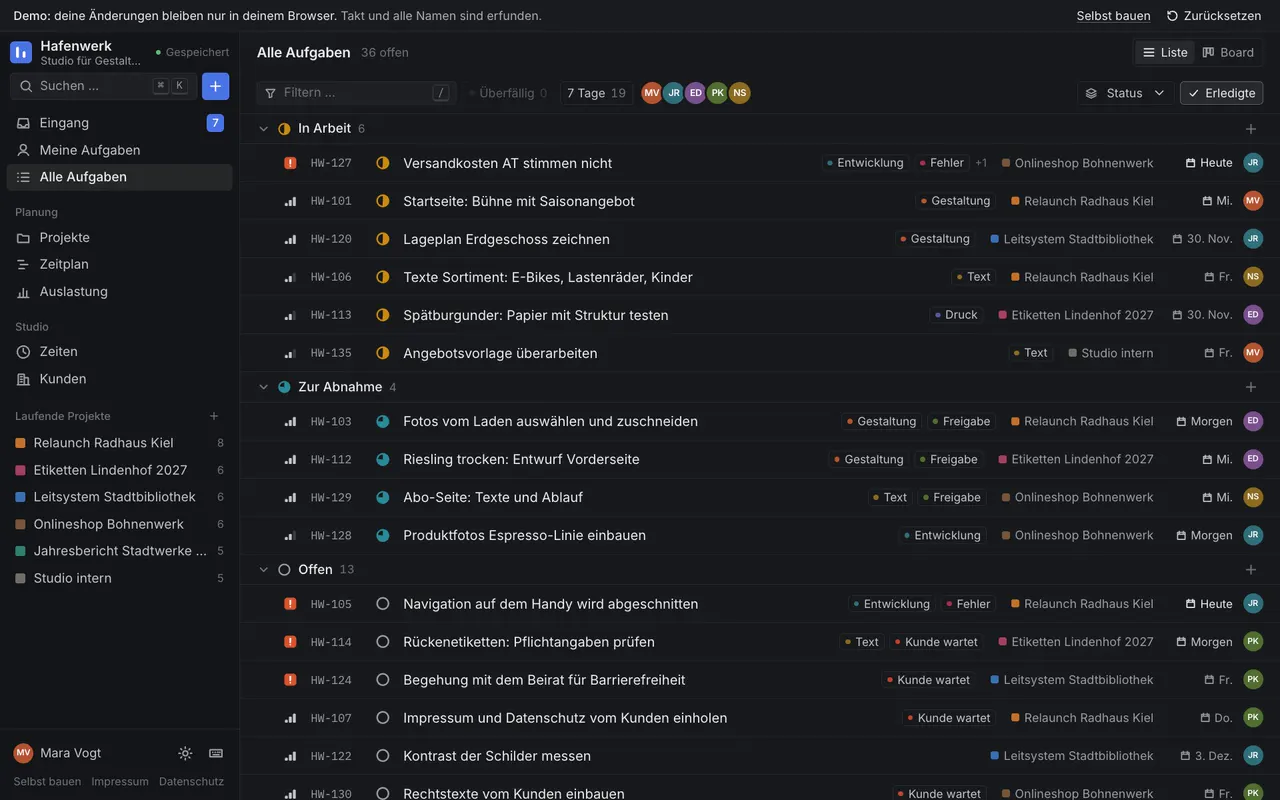
Software · Takt
Jobs, tasks and time for a studio: projects with budgets, a timeline, team workload, timesheets and an inbox for client requests, all from the keyboard.
To copy
Adapt it to your client and give it to your AI. It asks for whatever it still needs.
“Build software for jobs for our client: customers, jobs with a status, tasks per employee and a quote as PDF. Sign-in with a second factor, roles for office and field staff. Show me a preview with test data first.”
How it runs
With your agent and your way of working: Claude, ChatGPT, Claude Code or Codex. Vorren gives it the guidelines for clean code, security, SEO and GEO.
Every version gets a preview address, with a password if you like. Your agent puts the client’s wishes in place, and every version stays saved.
The client enters what Vorren shows at their domain provider. The certificate comes on its own.
You transfer the project and the client pays from then on. With one tick you keep working on it afterwards. Or it stays in your account and you keep billing.
Security
Vorren checks every version before the preview is created. If the check fails there is no preview, and only what was in the preview goes live.
Every day Vorren keeps the versions in use up to date and rebuilds overnight. Your client notices nothing.
Every site runs in its own container, every piece of software with its own database.
Sites, data and account stay in Germany, with a data processing agreement. You enter credentials in the dashboard, never in the chat.
FAQ
A frontend with Vite and a backend on Zeus with MongoDB, both as code in the project. Email, file storage, PDF and schedules come as Vorren services, without further providers.
Yes. Code and data belong to the client, and the project can move to their own account any time. How a move to your own server works is described under Technology & trust.
Only through the dashboard, never through the chat. The software reads them on start; the code only contains the names.
Who it’s for
Websites · Software · All templates · Pricing
Create an account, connect your agent, describe the process. Free until it goes live.
Want to read up first? Our guides show how it works.
This shows us which pages get read and where visitors come from, so we can make Vorren better.
For this we use Google Analytics with your consent. Google sets cookies and receives data about your visit, including in the USA. Without consent we load nothing from Google. You can change your choice at any time under “Cookie settings” at the bottom of the page. More in our privacy policy (German).